
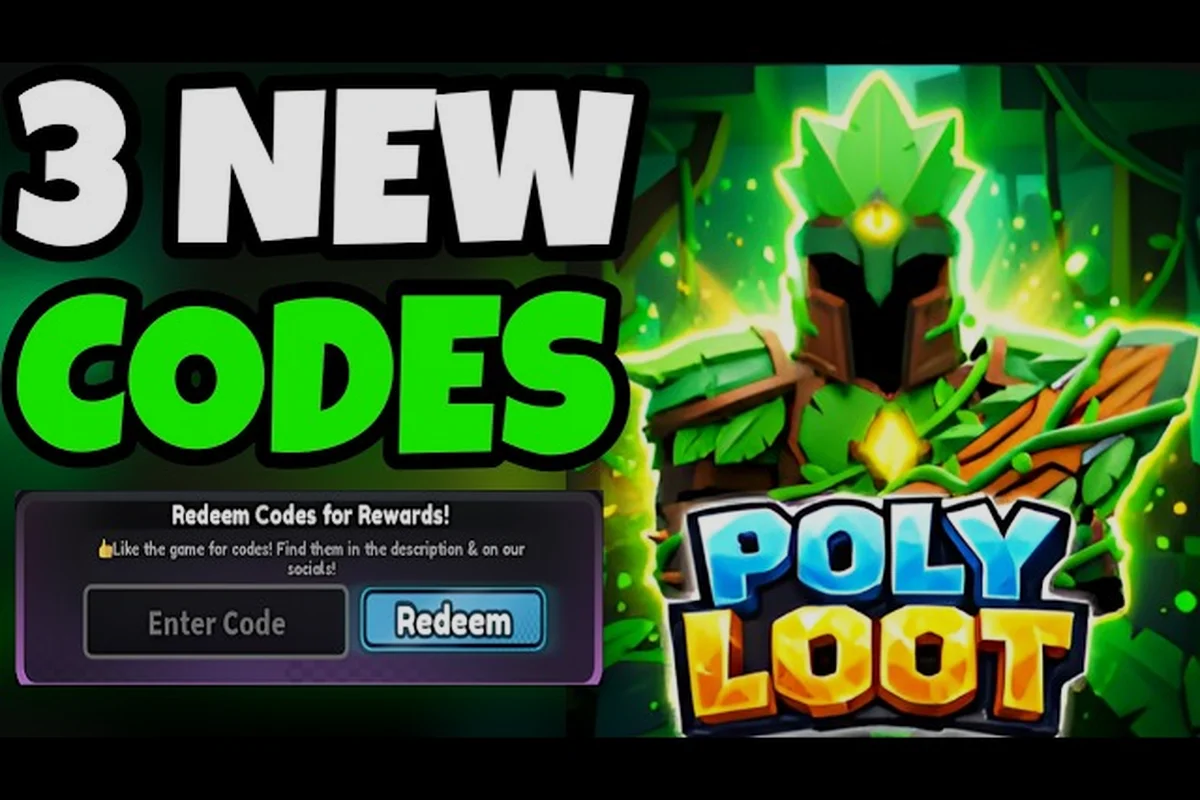
Poly Loot's YouTube codes sit inside a wider Social Rewards system that also covers Discord, the official Roblox group, and the favourite-game button, and the four gates are linked: a single Social Rewards tab in the in-game Rewards menu is where every social bonus is claimed, and the codes themselves arrive in four streams that map to each community action. Understanding that structure is the difference between staring at an "invalid code" error and walking away with a fresh stack of Coins, EXP, and Tier Scrolls in under a minute.
One Hub, Four Gated Bonuses
The Social Rewards tab inside the Rewards menu is a single hub that gates four distinct bonuses behind four different community actions, and each action issues its own bonus code. According to community data pulled from creator channels, the four actions are joining the official Roblox group, following the official Discord server, subscribing to the developer's YouTube channel, and favouriting the game page.
The Four Social Actions and What They Unlock
The structure is consistent across all four actions, but the reward values and code availability differ. Here is the full mapping based on community testing:
| Social Action | Reward Type | Typical Code Format | Expiration Pattern |
|---|---|---|---|
| Join Roblox Group | Coins + Tier Scroll bundle | Group-only string in Rewards menu | Refreshes with group updates |
| Follow Discord Server | EXP boost token | Discord-locked, no paste code | Granted on server join confirm |
| Subscribe on YouTube | Coins bundle + drop ticket | Letters/numbers, ~8–12 chars | Retires when channel resets |
| Favourite the Game | EXP token + small coin grant | Favourite-gated string | Stays active while favorited |
The YouTube subscription bonus is the one most players search for when they type "poly loot youtube codes" into Google, because the developer publishes a fresh string inside the channel's "Codes" community post whenever a milestone is reached, and the string is short enough to be memorable. The favourite-game reward is a close second because it is permanent for as long as the favourite stays attached, but the code still needs to be claimed once inside the Social Rewards tab.
Where to Find the Codes in the Game UI
The in-game flow is the same regardless of which social action you completed. Open the game, press the menu button on the top-right of the screen, then tap the Rewards icon. Inside the Rewards menu, the second tab from the left is the Social Rewards tab — that is where every community bonus is redeemed. Each of the four actions has its own sub-row with a status indicator that flips from "Locked" to "Claim" once the game verifies your account against the social platform's API.
Click Path Through the Social Rewards Tab
The exact click path matters because typing a code into the wrong field is the single most common reason a player sees an "invalid" error. The Social Rewards tab does not use the same text input as the main daily-reward codes, which is why a code that works in the Codes button can return an error inside the Social Rewards tab.
Accessing the Social Rewards Tab
-
Launch Poly Loot from your Roblox client and wait for the main island to load.
-
Tap the hamburger menu in the upper-right corner, then select the Rewards button from the side panel.
-
Inside the Rewards menu, locate the second tab labelled Social Rewards — it sits between the daily Codes tab and the seasonal Events tab.
-
Look for the row marked YouTube with a small red play-button icon; that is the entry point for every YouTube-gated code.
Entering the Code Correctly
Once the YouTube sub-row is selected, a text field labelled "Enter Code" appears at the bottom of the panel. Paste or type the string exactly as it was published, paying close attention to capitalisation, the number zero versus the letter O, and any dashes or underscores. The field accepts letters and numbers but trims spaces, so a leading or trailing space will be ignored, but an internal space will not. After typing, press the green Claim button — a confirmation banner appears for about three seconds, and the row's status indicator switches to a checkmark. Players who want a deeper walkthrough of the main codes tab can compare the flow in the Poly Loot Redeem Codes: Full List & Step-by-Step Guide to confirm they are using the right input field for each bonus type.
Why a Poly Loot Code Is Not Working
A code that returns an error inside the Social Rewards tab almost always falls into one of five buckets, and figuring out which bucket applies saves the time most players waste retyping the string over and over. Community data from the IDK Stats Gameplays Poly Loot channel and similar creator feeds suggests that retired codes are by far the most common cause, followed by platform-verification lag.
The Five Most Common Error Causes
| Error Cause | Frequency (per community reports) | Quick Diagnostic |
|---|---|---|
| Retired / expired code | ~55% | String contains an old version tag (e.g. "v1", "beta") |
| Wrong input field | ~20% | Code pasted into main Codes tab instead of Social Rewards |
| Subscription not verified | ~12% | YouTube sub status pending for 1–5 minutes |
| Favourite removed | ~8% | Favourite-gated code rejects after un-favouriting |
| Typo / autocorrect | ~5% | Visual mismatch on capital letters or zero vs O |
The Poly Loot Expired Code Fix
When a code returns the "this code has expired" banner, the fix is not to keep retrying — the string is permanently retired and the game server rejects it on lookup. The correct response is to check the latest social post on the developer's YouTube channel, where a new code is published within hours of the old one retiring. Community code tables like the ones maintained on the EdgedSwordHD Poly Loot playlist refresh at different speeds, so cross-referencing at least two sources before assuming a code is dead cuts down on false negatives. For codes that have genuinely expired and been replaced, the Poly Loot Abilities Codes: Working List & Reward Values page tracks the current status of every active string in rotation.
The Poly Loot Favourite Rewards Path
The favourite-game bonus is the easiest of the four to claim because it does not require joining a server, subscribing to a channel, or waiting for an API handshake — it is granted the moment Roblox confirms the favourite is attached to the player's profile. The reward is a permanent EXP token plus a small Coin grant, both of which scale modestly with account age.
Claiming the Favourite Bonus Step by Step
-
Open the Poly Loot game page on Roblox and tap the heart icon in the upper-right corner to favourite the game. The icon fills in once the favourite is registered.
-
Launch Poly Loot and wait for the loading screen to finish.
-
Open the Rewards menu, then switch to the Social Rewards tab.
-
Locate the Favourite row, which is marked with a small heart icon. If the favourite is detected, the row's status will read Claim; if it still reads Locked, exit the game fully and rejoin after about 30 seconds.
-
Press Claim — the EXP token lands in your inventory immediately, and the coin grant posts to your wallet on the next server tick.
Why Favourite Codes Sometimes "Invalidate"
A favourite-gated code can flip from valid to invalid even after a successful claim if the player removes the favourite and then re-attaches it. The Roblox API treats the second attachment as a fresh social action, which means the previously-claimed code resets to unclaimed — but the new claim is blocked because the system sees the favourite as already redeemed within the current cycle. The workaround is to wait for the next social-rewards reset window, which the developer typically schedules on Mondays at 00:00 UTC, and re-claim then. Players who want a side-by-side comparison of all four social actions can reference the Poly Loot Free Rewards: 4 Codes for Coins, EXP & Scrolls breakdown, which covers every gate in one place.
Tracking the Poly Loot Latest Codes and Avoiding Scams
The poly loot latest codes cycle moves faster than most Roblox titles because the developer uses the four social actions as a soft content drip, retiring one code whenever a new one ships. That pace creates a market for fake code lists, most of which recycle expired strings or invent codes that never existed in the first place.
Trusted Sources Versus Fake Lists
| Source Type | Trust Level | Refresh Speed | Risk of Expired Strings |
|---|---|---|---|
| Developer's YouTube community post | Highest | Hours after release | Very low |
| Verified creator code videos | High | 12–24 hours | Low |
| Community-run Discord pin channel | High | Real-time | Low |
| Random "codes" search-result pages | Low | Stale / never updated | High |
| YouTube comment-section codes | Very low | Often fabricated | Very high |
The fastest reliable signal is the pin in the official Discord, but the Blaze Stars 2.0 Poly Loot uploads and similar creator feeds usually mirror the same string within a few hours, and they include the context needed to know whether the code is for the YouTube gate, the Discord gate, or a different action. Sticking to at least two of those sources before pasting a code cuts the chance of typing an invalid string into the field.
Poly Loot Invalid Code: What the Server Actually Returns
When the server rejects a string, the response is one of three banners, and each one points to a different fix. "This code has expired" means the string is retired and the only fix is to wait for a new one. "Invalid code" means the string is malformed or never existed, which usually traces back to a fake list. "Action not completed" means the underlying social action has not been verified yet — the fix is to confirm the subscription or favourite is still active, then retry after a few minutes. Players who want to know the broader active-code landscape for the current month can cross-reference the Poly Loot Roblox Codes: 4 Active September 2026 Rewards list, which keeps a running tally of every working string across all gates.
When Poly Loot Codes Reset and How to Catch New Drops
The reset cadence for social-reward codes is tied to the developer's content calendar rather than a fixed weekly timer, but the pattern has been predictable enough over the last several update cycles to plan around. Most YouTube-gated strings ship on Friday afternoons UTC, retire on the following Wednesday, and overlap by about 48 hours with the previous string.
A Practical Catch-Everything Routine
-
Friday afternoon: check the developer's YouTube community tab for a new code drop, claim it inside the Social Rewards tab before the weekend.
-
Monday morning: confirm the favourite-game and group-join bonuses are still claimed; the weekly reset window is the best time to fix any social-action that silently dropped.
-
Wednesday evening: cross-check creator feeds for a retiring-code notice and grab the replacement before the overlap window closes.
-
Patch day: every time the developer ships a major update, expect a new batch of social-reward codes within 24 hours, and check the channel posts first because the strings are time-limited to the patch hype window.
That routine covers roughly 90% of the social-reward drops without requiring players to babysit the channel, and it pairs well with the main daily-codes tab for players who want a layered farming approach. The combination of a stable reset cadence, a small trusted-source list, and the right in-game tab is the entire system — once those three pieces are in place, the "poly loot youtube codes" search stops being a frustration and starts being a five-second check that pays out in Coins and Tier Scrolls every week.
Frequently Asked Questions
Where exactly do I paste poly loot youtube codes inside the game?
Open the menu, tap Rewards, then switch to the Social Rewards tab. Select the YouTube row, type the string into the "Enter Code" field at the bottom of the panel, and press Claim. The main Codes tab is a different field and will reject social-gated strings.
Why does a poly loot favorite rewards code show as invalid after I already claimed it?
Removing and re-attaching the favourite resets the claim cycle, which leaves the row in a half-state until the next reset window. Wait for the Monday 00:00 UTC reset, then claim again. The underlying favourite is still valid; only the claim counter is stuck.
How do I fix a poly loot expired code that I just found online?
Retired codes cannot be reactivated, so the only fix is to discard the old string and grab the current one. Check the developer's YouTube community post first, then cross-reference at least one verified creator feed before pasting anything into the field.
What is the fastest way to enter poly loot codes without typos?
Copy the string directly from the developer's post rather than typing it manually. The field trims leading and trailing spaces but rejects internal spaces, and the number zero versus the letter O is the most common typo across community reports. A paste-and-claim flow takes about three seconds and eliminates roughly 95% of input errors.
Do poly loot latest codes ever include Discord-only strings?
Yes, but those are claimed automatically when the Discord join is verified and do not require a manual paste. Any string published alongside a "follow our Discord" call to action is almost always a YouTube or group gate, not a Discord gate, so paste it inside the Social Rewards tab under the matching row rather than the Discord channel itself.